

Log in about a minute
Shot, quick check-in, weight when you have it, without ads or clutter.
Bracken
Log shots, weight, and how you feel across your dosing rhythm. Privacy-first.
Features
Privacy-first logging, estimated medication levels, symptom patterns, visit prep, guides, and calculators, built for your GLP-1 dosing rhythm.
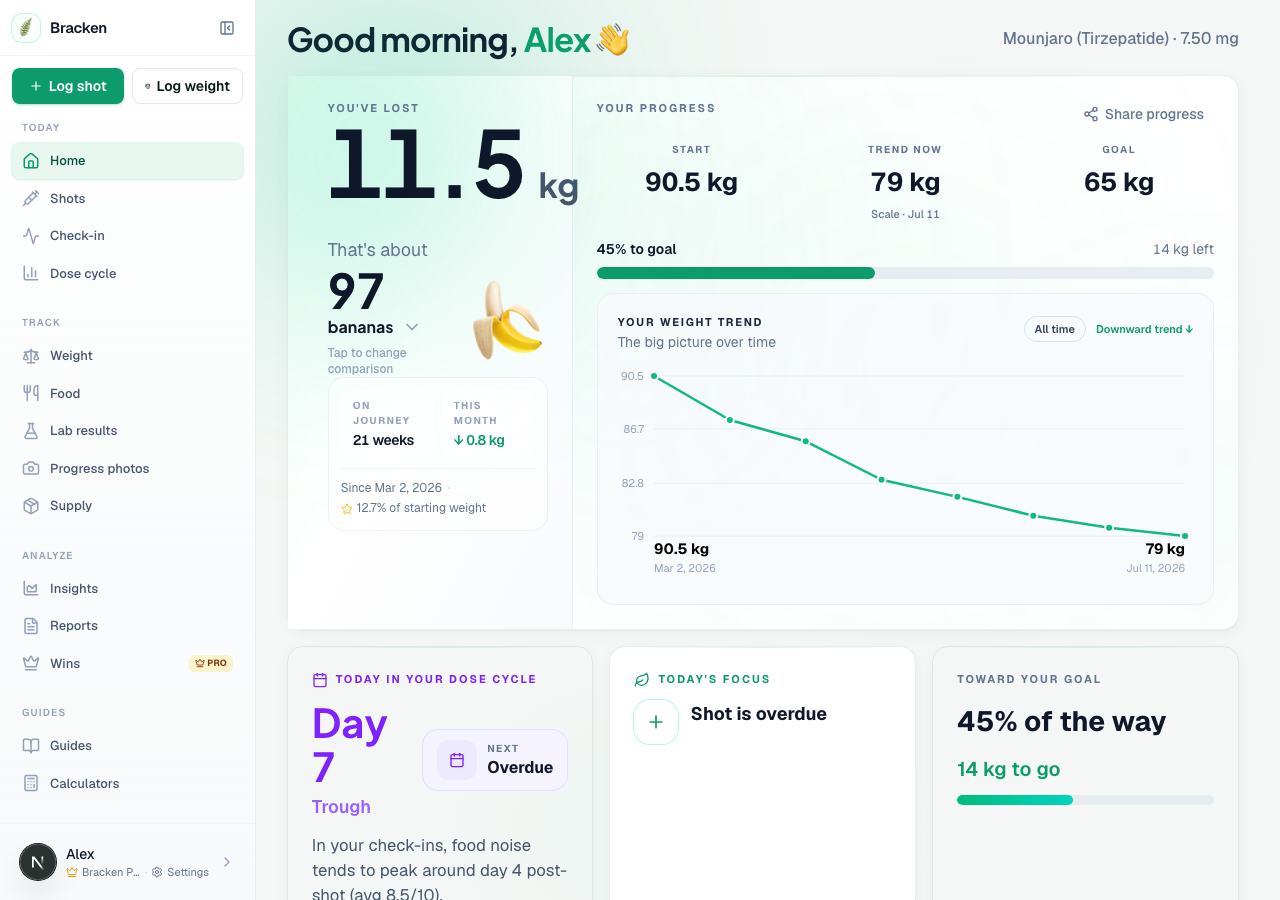
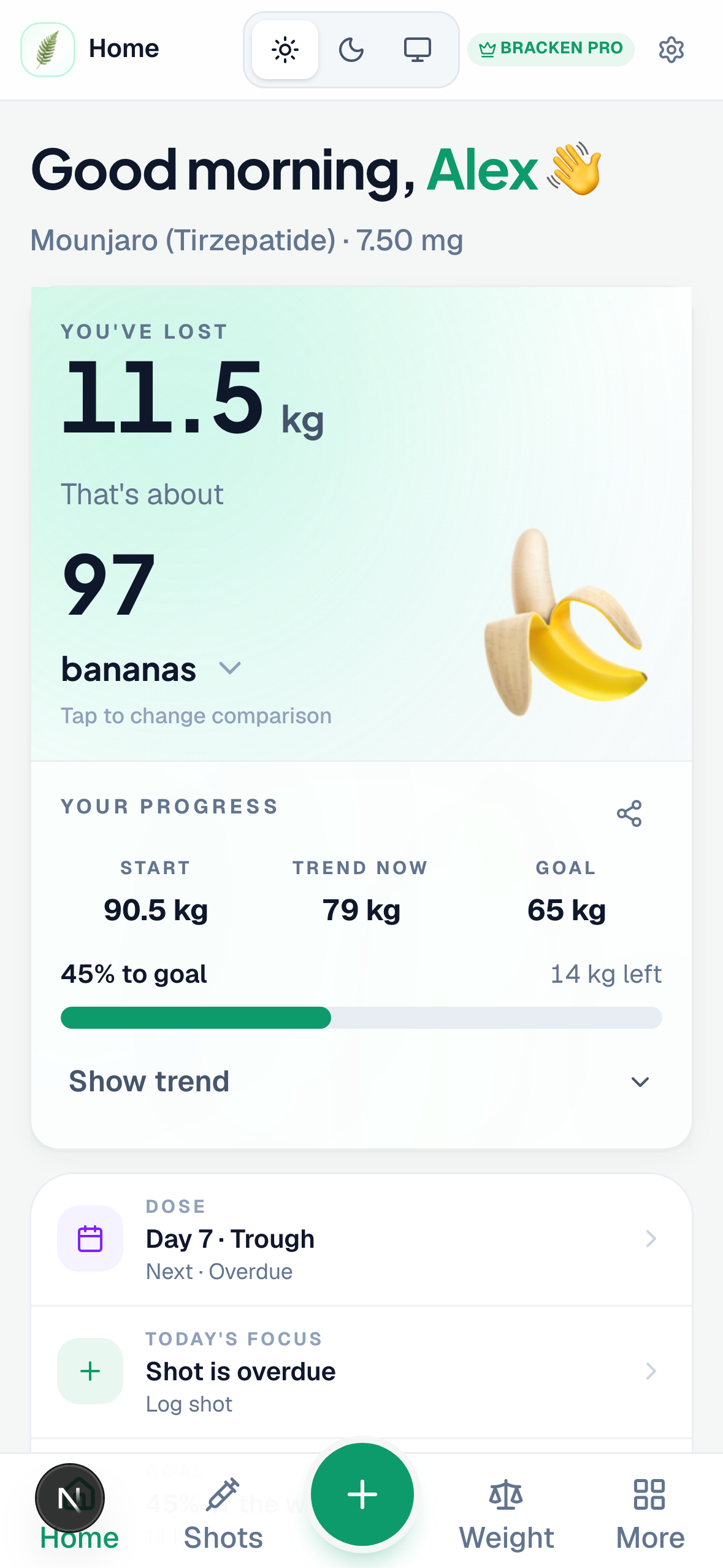
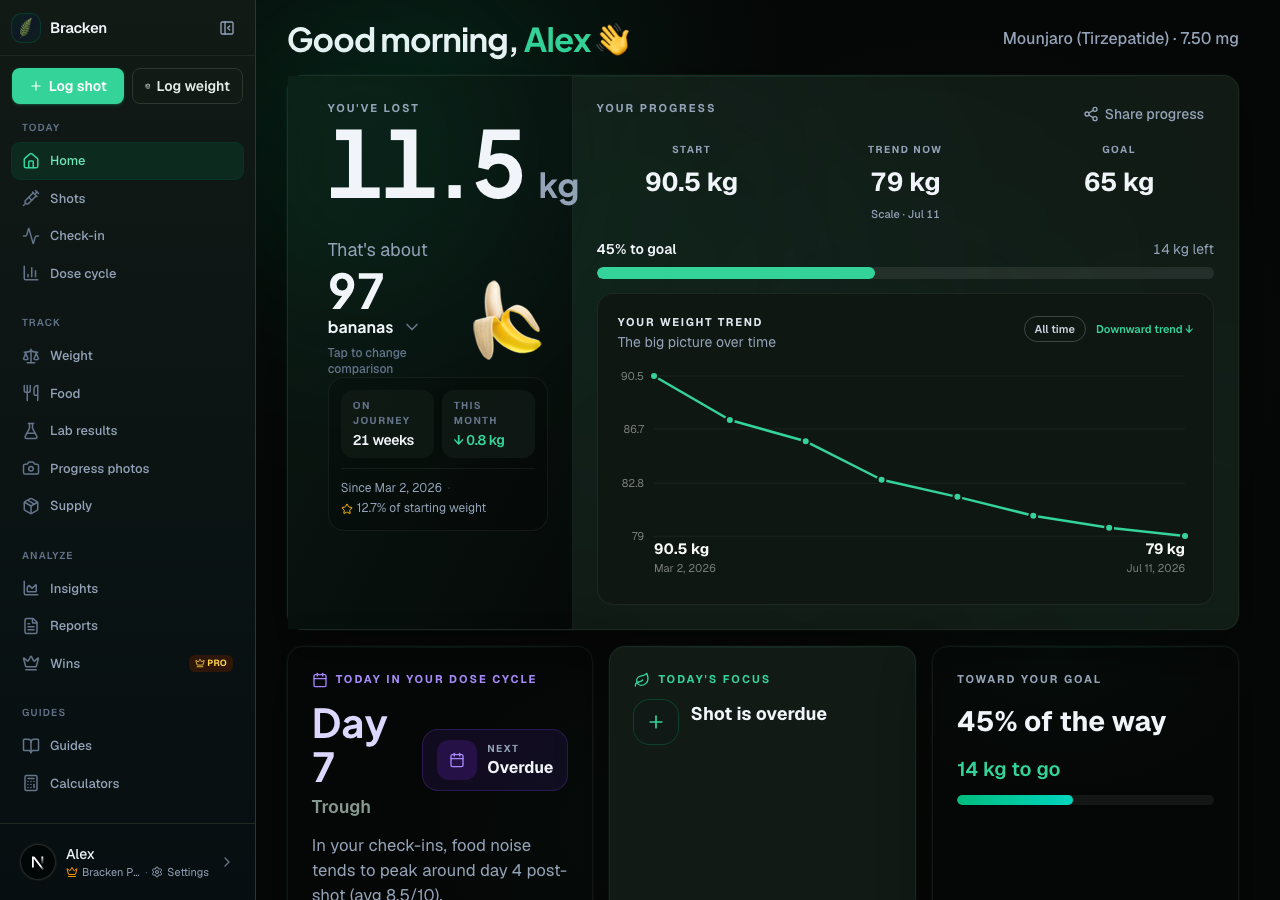
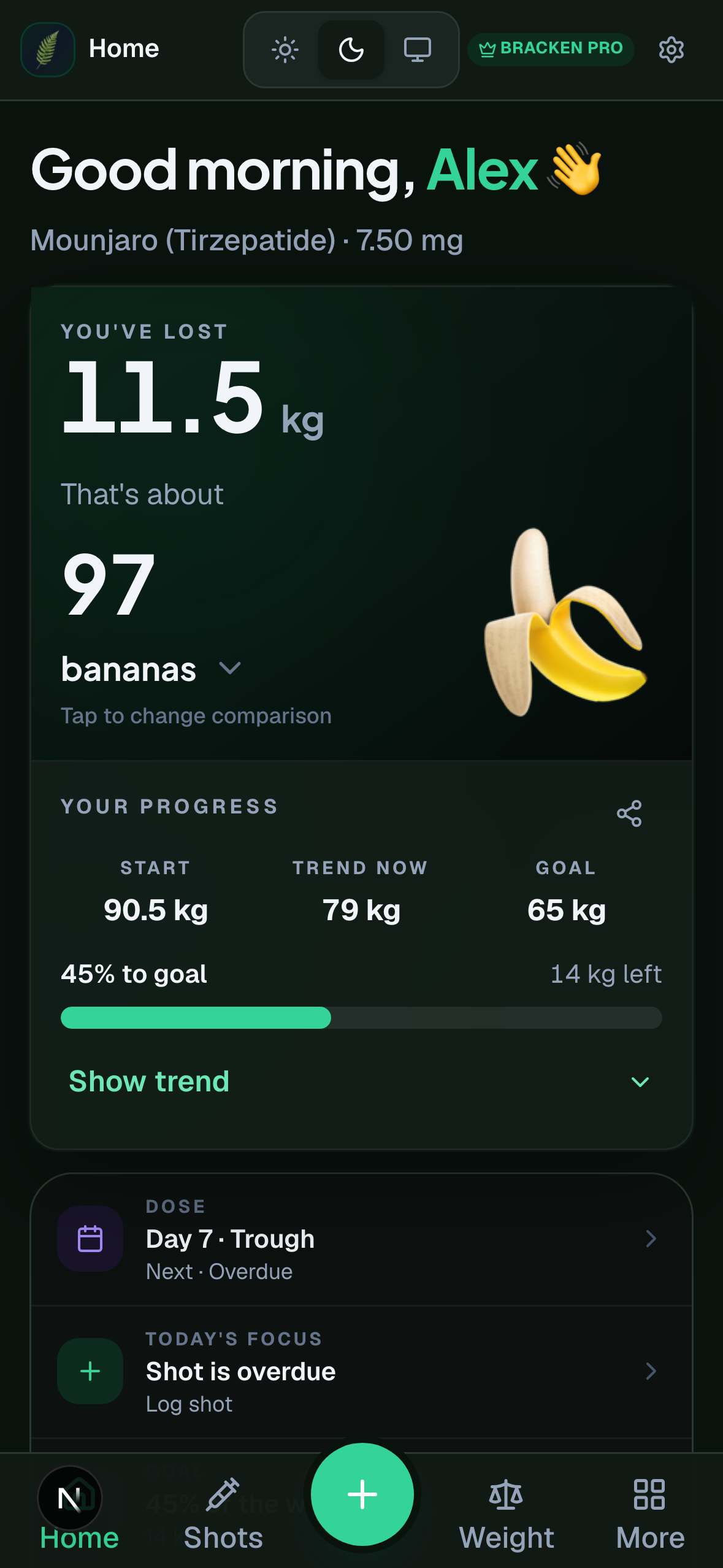
Smooth out day-to-day noise to see pace and direction, not just today's number.
Learn moreDose, time, and site with rotation reminders, missed-dose guidance, and a titration planner on Shots.
Learn moreHunger, food noise, mood, sleep, and GI symptoms, captured while they're fresh.
Learn moreWeight, dose, symptoms, and habits in one Insights hub, with shareable chart images for your care team.
Learn moreAuto-awarded milestones with backdated dates and next-up progress. Share story cards from your log stay free.
View pricingThe weekly arc
GLP-1 builds and fades across your dosing cycle. Bracken shows that rhythm alongside your symptoms and weight, weekly, biweekly, or on the schedule you set, so patterns are easier to spot and discuss with your care team.
See all features →Rising
Medication climbing after your shot
Peak
Strongest effect, appetite often lowest here
Fading
Levels taper before your next dose
Shot, quick check-in, weight when you have it, without ads or clutter.
See how hunger, nausea, and energy tend to land on each day after your dose, on weekly, biweekly, or custom intervals.
Trend weight, caregiver share links, and Pro visit-prep PDFs, plus a dashboard nudge when your clinician visit is within a week.
How it works
Set up once, log lightly through your dosing cycle, and let the app connect dose, levels, and how you feel.
Onboarding
Medication
Semaglutide · Ozempic
Dose
0.5 mg
Injection day
Sunday
01
Pick your GLP-1, dose, injection rhythm, and usual day. Import from another app later if you already have history.
Today
Shot logged · 0.5 mg
Abdomen · 9:12 AM
02
Record each shot, an optional daily check-in, and weight when it fits your routine, most days take about a minute.
Week view
Day 2 · Rising03
See where you are in the curve, how symptoms tend to line up, and how weight is trending over time.
Full tracking stays free. Pro adds your week predicted from your log, visit-ready PDFs, and auto wins.
Showing prices for United States
Tools & switching
Plan doses, pen clicks, and reconstitution without leaving the app. Moving from another tracker? Import and merge whenever you need.
Reconstitution, pen dial clicks, supply duration, titration dates, journey spend, protein targets, cost per dose, and more, free inside the app.
Create free accountImport from Glapp, Shotsy, Happy Scale, or spreadsheets anytime, free, dedupes duplicates. Screenshot OCR when an app has no export.
See import optionsStraight answers about your Bracken account, progress photos, free backup export, Pro depth, and switching apps.
Unlimited injections, weight, and check-ins; medication level chart and cycle phases scaled to your dosing interval; weight logbook and Period correlation; dosing calculators; insights progress charts and clinical benchmark; titration planner on Shots; one pattern-based report per month; shareable story cards from your log; caregiver read-only share links; progress photos on your device only (never uploaded); encrypted JSON / .dpe and full spreadsheet CSV anytime. Shots, weight, and check-ins are stored in your Bracken account on every platform (web, iOS, Android). Sign in on any device to pick up where you left off. No ads.
Pro is optional depth on top of free tracking: Prepared (visit-ready PDFs and visit prep), Foresight (weekly briefing, 7-day outlook, and unlimited rich reports), and Wins (auto milestones and next-up progress). Share story cards stay free. Monthly, annual, or 5-year pro.
Shots, weight, and check-ins are stored in your Bracken account so the web app, iOS app, and Android app all show the same history when you sign in. Progress photos stay on your device only and are never stored on Bracken servers. Export Settings → Backup anytime (free) to move photos to a new phone or browser. Pro adds visit PDFs, unlimited reports, and auto wins.
Settings → Backup is free on every plan: backup ZIP (log + progress photos on this device), password-protected .dpe, or full spreadsheet CSV. Tap Export, then use the share sheet to save to iCloud, Google Drive, Dropbox, OneDrive, Files, or email. Bracken does not connect to your cloud; you choose where the file goes.